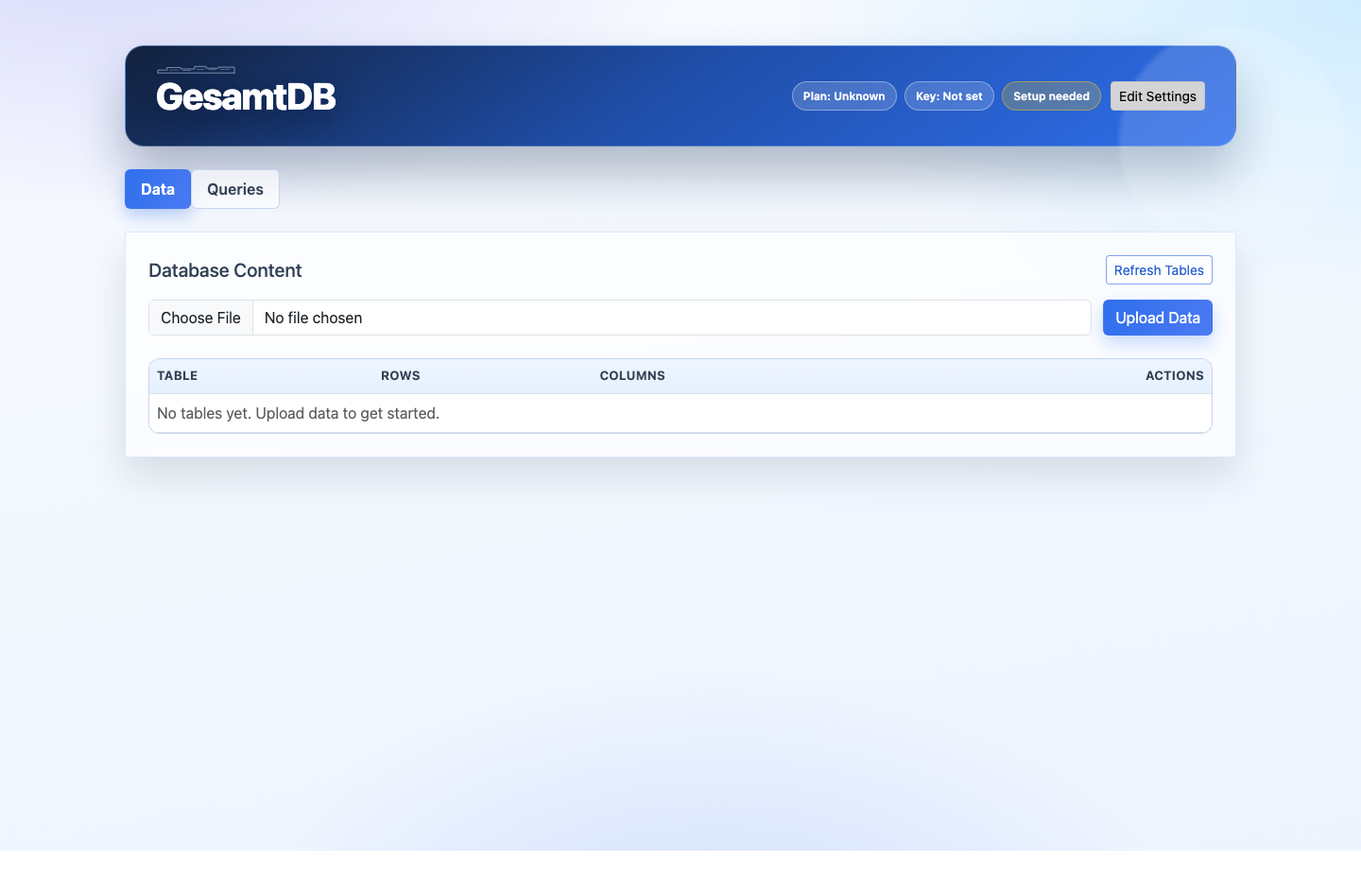
Visual Interface: Data
The Data tab focuses on data management tasks.
Upload data
Use the upload input and Upload Data button to send CSV or ZIP files through POST /upload.
Delete data
Each table row provides a Drop action. Dropping calls the table-delete endpoint with confirmation and removes the table from the current database.
Inspect data details
Each table row provides a Show Details action to display schema and row previews. The table list can be refreshed with Refresh Tables.